Quick Start
Your first destruction in three steps.
Step 1 — Select a GameObject with a Mesh Filter
Select any GameObject that has a Mesh Filter component.
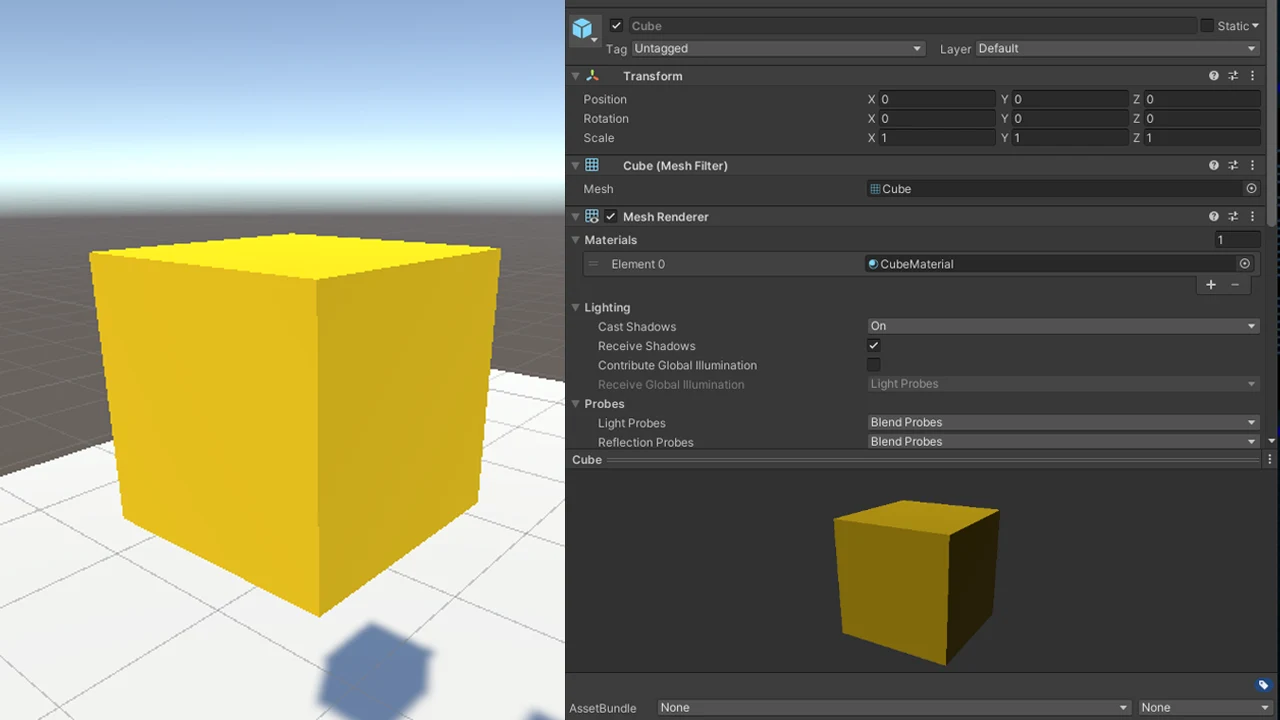
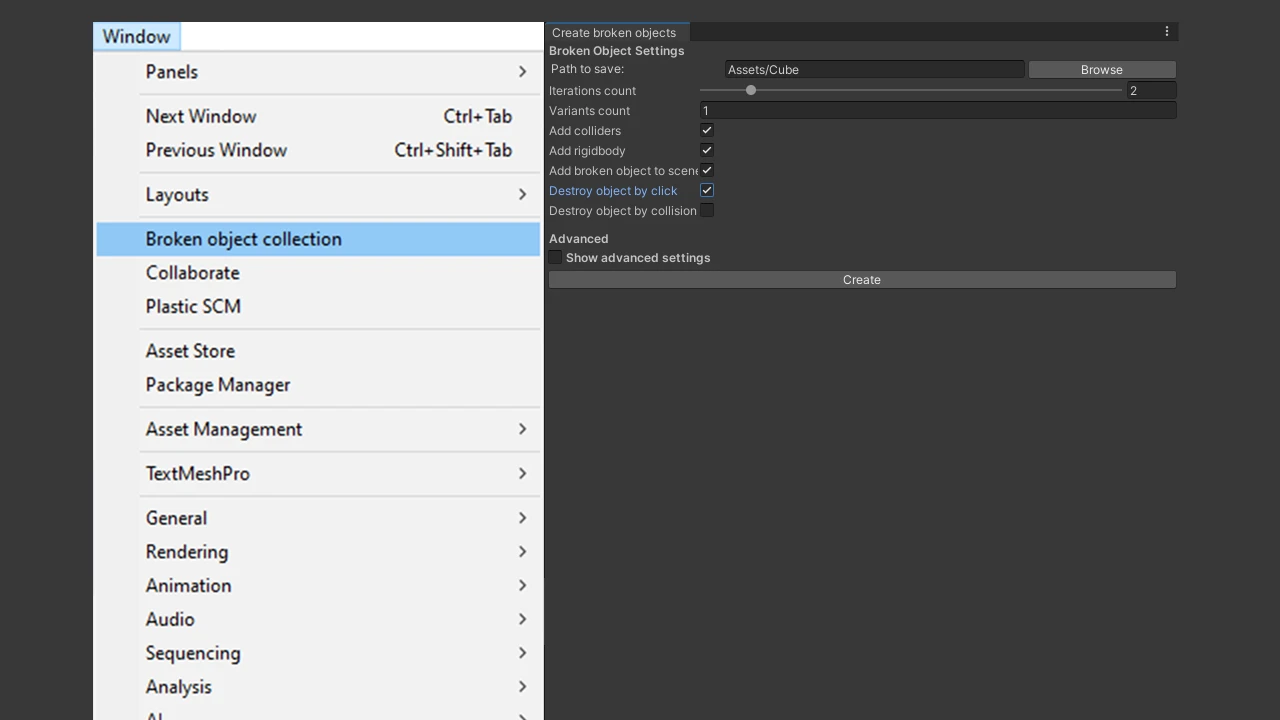
Step 2 — Open the Create broken objects window
- Go to Window → Create broken objects.
- Select the GameObject that has a Mesh Filter component.
- Check the toggles:
- Add colliders to shards
- Add broken object to scene
- Destroy object by click
- Press Create.
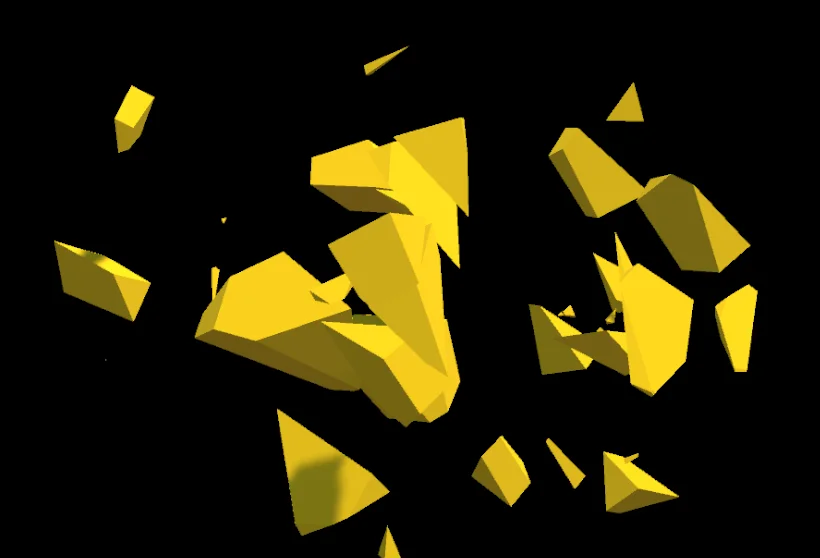
Step 3 — Run and destroy
- Enter Play mode.
- Click the object to destroy it.
Next steps
- Fine-tune shard count, colliders and triggers in the Create Broken Objects Window.
- Learn how broken variants are reused in Collections and Pools.
- Break objects from your own scripts with the Scripting API.